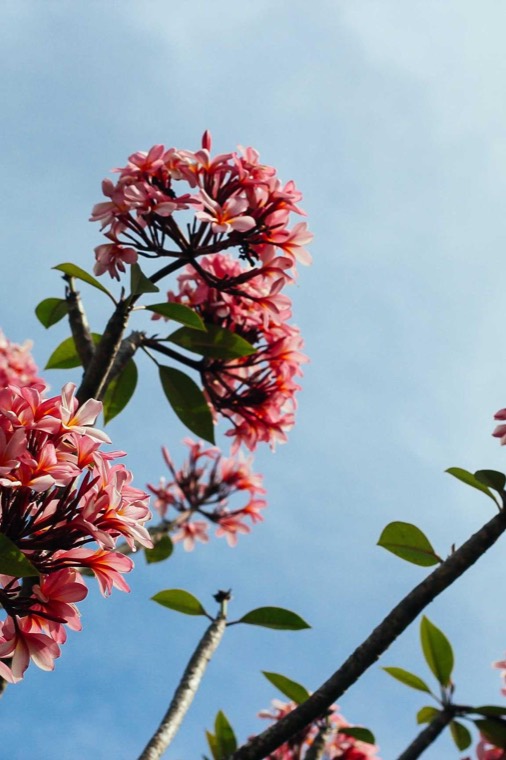
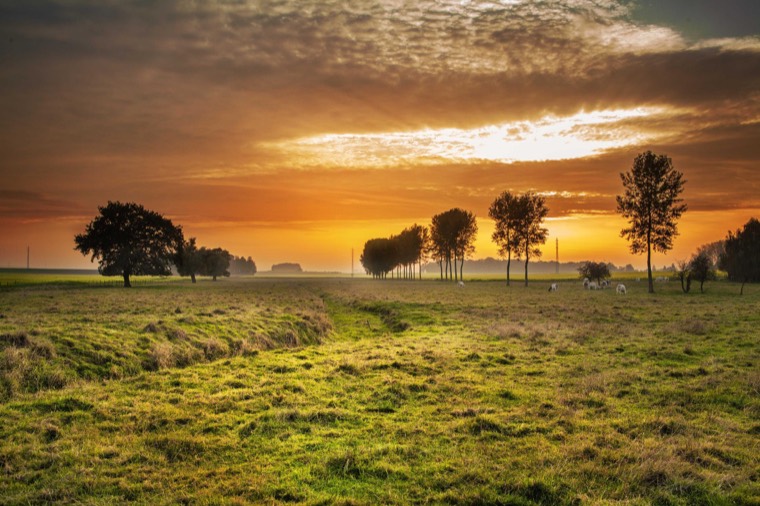
OpenMantel is a free, open source picture frame you host yourself. Put a small computer behind a monitor on the kitchen counter, plug it in, and your photos are on display. Store-bought digital frames do the same thing for a lot more money, and often with a subscription or someone else's cloud.
What it does
Pairs like a Roku
A frame shows a code, you enter it on your phone, and it never asks again. Frames need no keyboard and no password.
Runs from your phone
Skip, go back, or pause any frame like a remote. Change what it shows, and it updates instantly.
Never crops a photo
Portrait, square, and panoramic photos all show in full, on a matte or a blurred backdrop, with optional captions.
Organizes by tag
Upload in batches, tag photos, drag them into order, and save presets like Holidays.
Keeps playing offline
Each frame caches the library, so it keeps going without a network, even after a restart.
Takes iPhone photos
HEIC works, photos are rotated correctly, and location data is removed from everything a frame receives.
Yours, not a service
Run it on a small VPS or add it to your homelab. Your photos stay on your server, with no accounts, no tracking, and no outside services. OpenMantel is MIT licensed and free, and it always will be.
It's part of the metaincognita suite of simulations and tools, and it stands entirely on its own.
Host your own
You need a server with Docker and a domain name. HTTPS is required, and the included setup gets the certificate for you.
git clone https://github.com/cschweda/openmantel.git
cd openmantel
cp .env.example .env && chmod 600 .env   # set DOMAIN
docker compose run --rm app node_modules/.bin/tsx scripts/hash-password.ts
# paste the printed line into .env
docker compose up -d
The self-hosting guide covers homelab setups, your own reverse proxy, updates, and backups.
Set up a frame
- Connect a Mac mini or other small computer to a monitor, and run its setup script once.
- The screen shows a code. Log in on your phone and enter it.
- Photos start by themselves. Put the keyboard away.